expect-cli: The Validate Step My Agent Loop Was Missing
expect-cli reads your git diff, generates a test plan via AI, and executes it in a real browser with Playwright. Extracts cookies from your local Chrome/Firefox for authenticated testing. The validate step for agent loops.
The Missing Bit
I had the build loop sorted. Agent writes code, linter checks it, tests run, commit goes out. But there was always this gap between "the tests pass" and "it actually works in a browser." Unit tests don't click buttons. Integration tests don't scroll pages. And if you're behind a login wall, forget about it.
expect-cli fills that gap properly. It reads your git diff, sends it to an AI agent, gets back a test plan, and then runs the whole thing in a real browser via Playwright. Not a mock. Not a headless approximation. A proper browser session with your actual cookies.
How It Works
The bit that makes this properly useful: it extracts real cookies from your local browser profiles. Chrome, Firefox, whatever you've got. So when the test plan says "verify the dashboard loads after login," it's not faffing about with test credentials or mock auth tokens. It uses your actual session. Authenticated pages, gated content, admin panels. All fair game.
It works with Claude Code, Codex, Copilot, Gemini CLI, Cursor. Whatever you're running your agents through. In Claude Code, you just type /expect and it does its thing. Reads the diff, figures out what changed, works out what to test, and runs it.
Why I Use It Daily
This is my "validate" step now. The closed loop looks like: agent writes code, agent runs /expect, browser tests confirm it works, agent moves on. If something breaks visually or behaviourally, the test catches it before I ever look at a PR. It's the difference between "tests pass" and "this actually works."
The test plans it generates are surprisingly sensible too. It understands context from the diff. Changed a form handler? It'll test form submission. Updated a nav component? It'll check routing. Not perfect every time, but good enough to catch the stuff that slips through traditional test suites.
Getting Started
Dead simple:
npx expect-cli@latest init
That sets you up. Then in Claude Code:
/expect
That's it. It picks up the diff, generates the plan, runs the tests. If you want more control, you can configure test targets and browser preferences, but the defaults are solid out of the box.
If you're running agents that write frontend code and you're not validating in a real browser, you're flying blind. This plugs that hole with about thirty seconds of setup.
Why This Is Brilliant for Exploratory Testing
Here's the thing nobody talks about. expect-cli isn't just a regression tool. It's a proper exploratory testing machine.
You don't write test files. You describe what you want checked in plain English. "Navigate to the homepage, verify the feed shows both blog and banter posts, click a post, check it renders properly, go to the banter listing, verify posts are grouped by year." The AI generates the plan, Playwright executes it, and you get pass/fail with session recordings.
I ran it against this very blog. Seven steps. Homepage, blog post, back navigation, banter listing, banter post, blog archive, tools and tips page. All passed. Here's what expect saw:
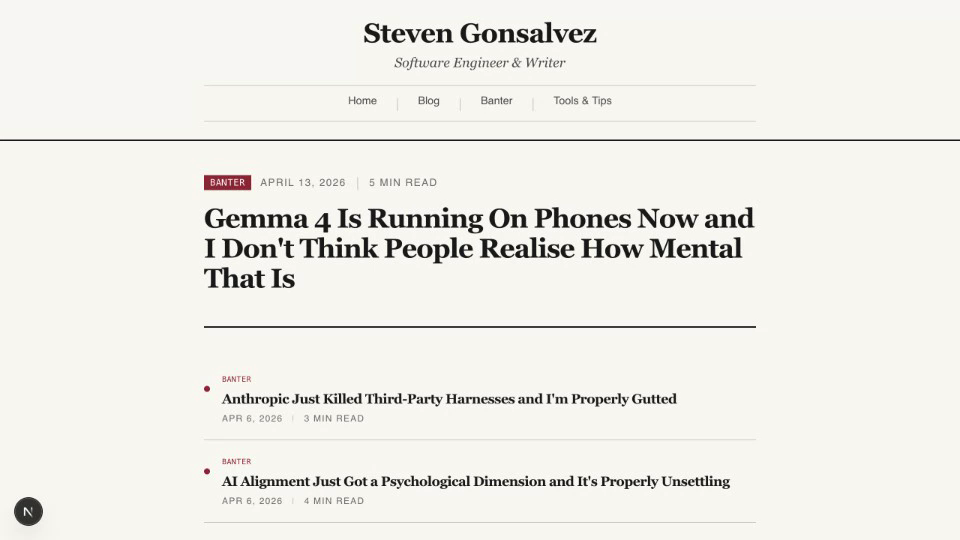
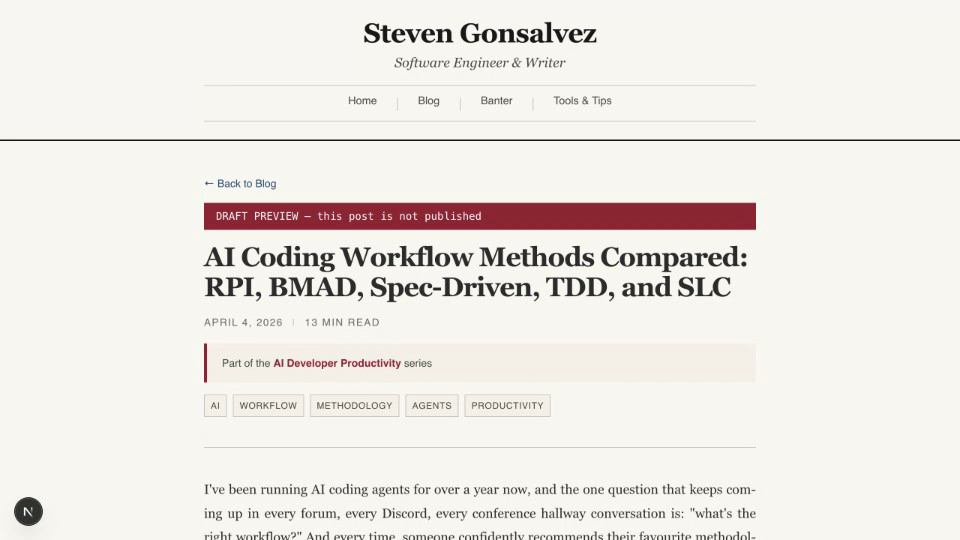
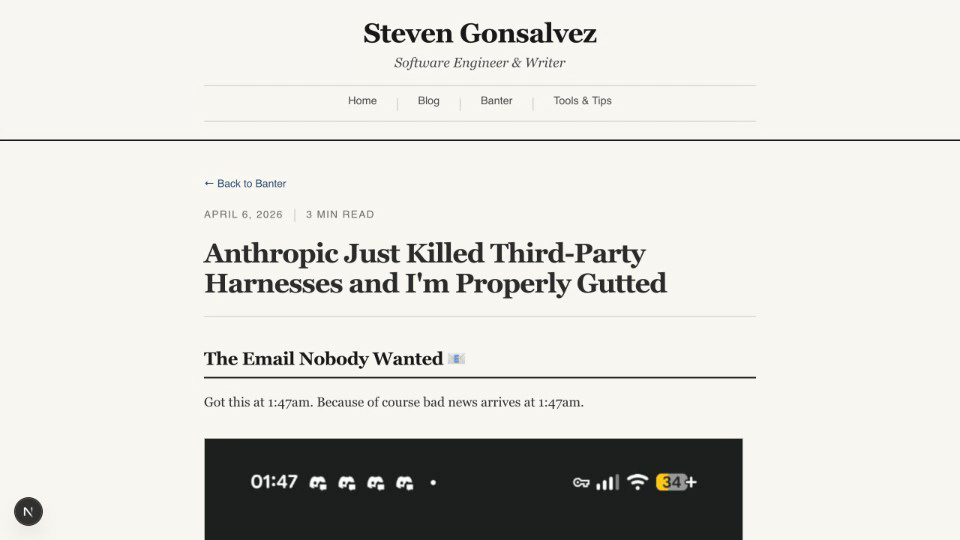
The full test took about two and a half minutes. No test files written. No selectors maintained. No fixtures set up. Just a sentence describing what to check, and a real browser doing the checking.
This is where expect earns its keep over traditional Playwright tests. You can describe any user journey in natural language and get it validated immediately. Changed something? Run expect with a new description. Want to check five different flows? Describe them. The AI handles the translation from "check the nav works" to await page.click() and expect(page.url()).toContain().
For a deeper dive on where expect fits alongside dev-browser, Stagehand, and the rest of the browser tooling ecosystem, check the Browser Tools series.